



















ICICI FASTag Statement: How to Download, Check Balance & Transactions?

Last updated 6 hours ago
ICICI FASTag
Last updated 6 hours ago

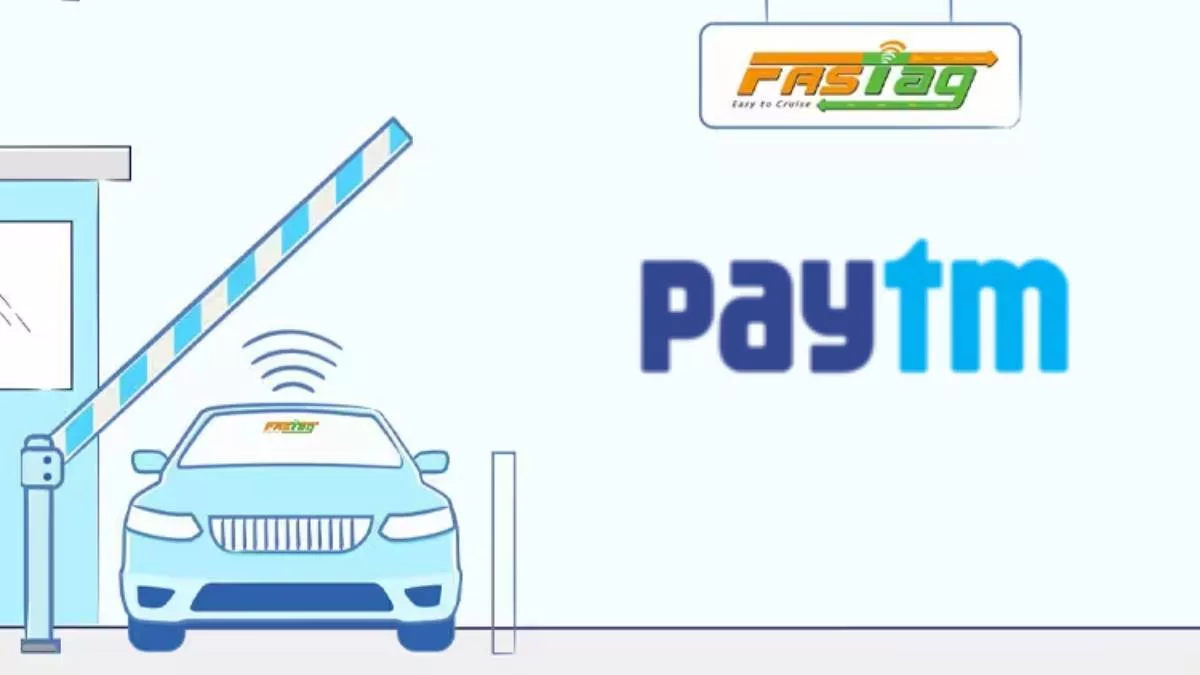
When you have a FASTag, you don’t have to carry cash for making toll payments. The toll fee gets automatically deducted as your FASTag gets scanned at the toll booth lane. This deduction happens from the balance that you have added to your FASTag account. While it is convenient to use a FASTag, it also becomes important to check the FASTag statement regularly. 

A FASTag statement is nothing but a record of transactions that get updated after every toll deduction. This statement helps you track toll payments regularly. By analysing these transactions, you can calculate the toll charges you are supposed to pay on a particular route. You can use this information to manage your travel budget during long trips. The FASTag statement also helps you flag out inappropriate toll deductions due to mistakes or technical errors. More details on how to download this statement, check the balance, and raise complaints have been shared in the sections below. 

What is an ICICI FASTag Statement?

When you add money to your FASTag account, the balance gets updated, and a credit-based transaction is recorded in the FASTag statement. Similarly, when the toll charges get deducted, the specific toll fee gets deducted from the FASTag balance. All these transactions are recorded in the FASTag statement. When you create the FASTag account through ICICI Bank, you need to download the ICICI FASTag statement to go through the transactions of a particular period. 

Why Should You Check FASTag Statements Regularly?

Due to some technical errors, the toll scanners might deduct the toll fees twice for the same trip. The FASTag statement helps you to find these errors and raise a dispute against them. Similarly, monitoring FASTag transactions can help you track the toll expenses incurred during a specific trip or outing. These transactions also let you determine the balance amount in your ICICI FASTag account. 

How to Download an ICICI FASTag Statement?

The following methods can help you download the ICICI FASTag statement without any hassles: 

Step 1: Through the ICICI FASTag Portal

ICICI Bank has launched a dedicated portal for FASTag users. You can login to this portal and click/tap on the ‘Statement’ option. Here, you will find an option to download the ICICI FASTag statement. You can also enter the date range for which you want to download the statement. 

Step 2: Through the iMobile App

ICICI Bank has a dedicated mobile app called the iMobi Pay app for its customers. If you have linked your ICICI FASTag to your ICICI bank account, you can log in to this app to download the FASTag statement. 

You simply have to log in to this app and tap on the ‘Recharge and Pay’ section. Here, you will find the ‘FASTag’ option. Tap on it and further tap on the ‘Transaction History’ page to download the statement. 

Step 3: ICICI eToll App

ICICI also has a dedicated e-toll app for their FASTag users. You can log in to this app and download the statement easily. 

How to Check ICICI FASTag Balance?

Some methods to check the ICICI Fastag balance are explained below: 

  1. Through Toll-Free Number 

ICICI Bank has a dedicated helpline number for its FASTag users. You can give a missed call on this toll-free number (8010928888) through your registered mobile number to know the balance. 

  1. Through SMS 

Alternatively, you can also type ETCBAL and send the SMS to 5676766 to get information about the updated FASTag balance. 

  1. Through App

The ICICI Bank’s iMobile app can also reveal the details regarding the FASTag balance. You simply need to log in to this app and tap on the ‘Recharge/Bill Pay’ section. Here, you will find a dedicated section for ‘FASTag’ where you can view your updated FASTag balance and transaction history. 

How to View FASTag Transaction History?

To view the FASTag transaction history, you can use the ICICI FASTag portal. After logging in to this portal, you must click on the ‘transaction history’ or ‘statement’ option. Now, you can select the duration for which you want to view the transaction history. 

After entering the start and end dates, you can view the transaction details in the browser. Alternatively, you can download the transaction records in PDF format or export them to an Excel sheet. The transaction history can also be filtered using the vehicle registration number. This happens when you’ve linked multiple vehicles to your bank’s FASTag account. 

Note: A similar process to view and download transaction history is also available through the iMobile app. 

Details Available in ICICI Bank’s FASTag Statement

The date and time of the toll deductions are reflected in the ICICI Bank’s FASTag statement. Along with that, details such as toll plaza name, location, amount, and vehicle number against which the deductions have happened will also be displayed on the screen when you click on a particular transaction. 

Each transaction is also linked to a unique transaction ID. You can save this as a reference ID, as it can prove to be helpful while raising disputes for a particular transaction. 

Common Issues While Downloading the Statement

The common issues that you might encounter while downloading the FASTag statement are explained below: 

  1. App Glitches 

The iMobile app can sometimes get stuck due to a technical error or glitch. You can also be logged out of the app due to the expiry of a particular login session. You can close the app and restart it to view the transaction history properly. If the issue persists, you can contact their support team for a resolution. 

  1. Internet Issues 

Inconsistent internet connectivity can also result in login issues. Therefore, if you are facing any issues while tracking the FASTbag balance or statement, check your internet speed first. If the WiFi connection is not stable, use your mobile internet to log in to the ICICI FASTag app/portal. 

What to Do in Case of Wrong Deduction?

If you find any inappropriate toll deduction while scanning your FASTag statement,  you can raise a complaint and claim a refund for the same. The dispute can be directly raised using the ICICI Bank’s FASTag portal, or you can save the transaction details first. Then, you can call 1800 2100 104 to contact their support team and raise a dispute. 

Alternatively, you can also send an email to the ICICI Bank’s specific branch to which your account belongs. In the email body, you can provide the transaction ID, toll plaza, wrongly deducted amount, and other details specific to that particular transaction.

If they do not resolve the dispute immediately, you can also call the National Highways Authority of India (NHAI) helpline number (1033) to register your complaint. 

ICICI Bank FASTag Customer Care Details

  • Contact the toll-free number of ICICI Bank: 1800 2100 104 to register your complaints or for your queries. 
  • Alternatively, you can also call 1860 267 0104 to contact their support team. However, this number is chargeable as it is not a toll-free helpline number. 
  • [email protected] is the email ID you can use to contact their email support team. 

Summary

Getting the ICICI FASTag will help you drive conveniently across the country. However, you also have to be careful about these online transactions. To monitor these transactions, you can download the ICICI FASTag statement through the iMobile app or ICICI Bank’s dedicated FASTag portal. You can also use this portal to register a complaint against a wrongly charged toll fee. 

FAQs

  1. Q. Is downloading the ICICI FASTag statement necessary?

    Downloading the ICICI FASTag statement will help you to spot inaccuracies or identify a wrongly charged toll fee. Using the transaction ID and other details provided in the statement, you can register a complaint against the same. 

  2. Q. Where to find the ICICI FASTag statement?

    You can find the ICICI FASTag statement on the ICICI Bank’s dedicated FASTag portal or via the iMobile app. ICICI Bank also has a dedicated ICICI Toll app for downloading the statement and monitoring the FASTag balance in real time. 

  3. Q. Where to register a complaint for real-time toll plaza disputes?

    You can call the NHAI helpline number (1033) to register complaints against real-time toll plaza disputes. 

  4. Q. Can wrongly charged toll fees be challenged offline?

    Yes, most toll plazas have their physical customer service desks where you can file a complaint for the wrongly charged toll fees. You can also register a complaint at the regional offices of NHAI that are authorised to oversee the toll operations of that particular region.  

  5. Q. What are the key details to record while registering a toll-related complaint?

    Details such as the transaction ID, date and time of toll deduction, amount of deduction, and toll plaza name and location should be saved while registering a complaint. At the same time, you must also provide your vehicle number and a copy of the FASTag statement for faster resolution of the complaints. 

Share

Leave a Comment

Your email address will not be published. Required fields are marked *

A-Z Glossary

Every car part & feature, explained

News

The latest from the automotive world

Best Cars

The crème de la crème of cars

Rules & Regulations

Every law & regulation, explained

Car Ownership

Everyday car-care tips & advice

Buying a car

Make the right buying decision

Selling a car

Make the right selling decision

Miscellaneous

Cars & eveything in-between

5,000,000+ Readers

We’re ❤️ne big family!

Follow us for accurate, impartial & up-to-date information around everything related to cars – Latest news & developments, best options for every budget & lifestyle, ownership tips, buying & selling advice and a lot more on Spinny Magazine.

Unbiased
Rated 4.5 out of 5
Reliable
Rated 4.5 out of 5
Helpful
Rated 4.5 out of 5
Scroll to Top

Want to Sell your Car?

Choose your brand below to get started: